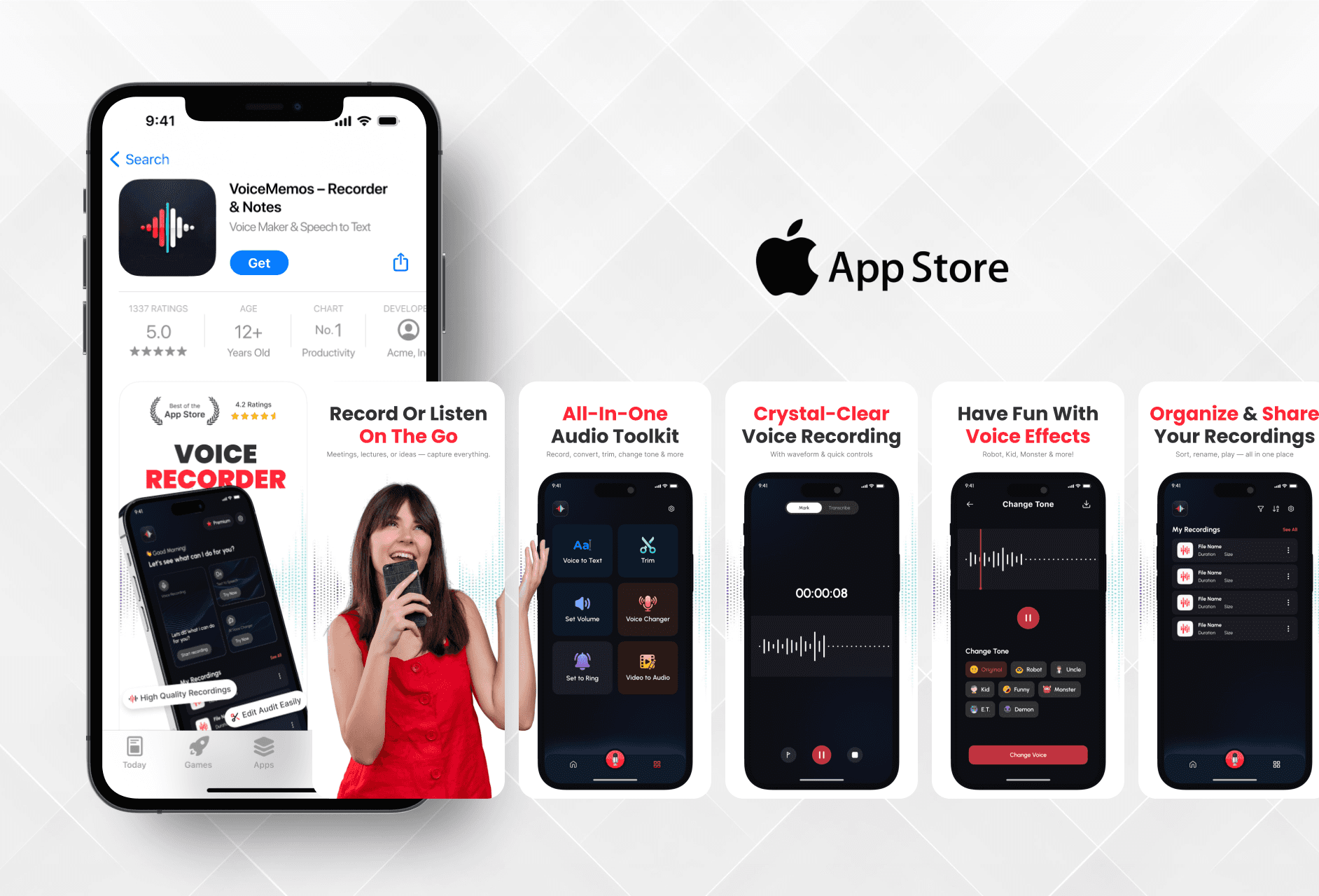
Really liked how you presented the VoiceMemos features through the screenshots. Everything feels simple, polished, and easy to understand.

Anil Devani
Founder of Mindspark Solutions
Really liked how you presented the VoiceMemos features through the screenshots. Everything feels simple, polished, and easy to understand.
Anil Devani
Founder of Mindspark Solutions
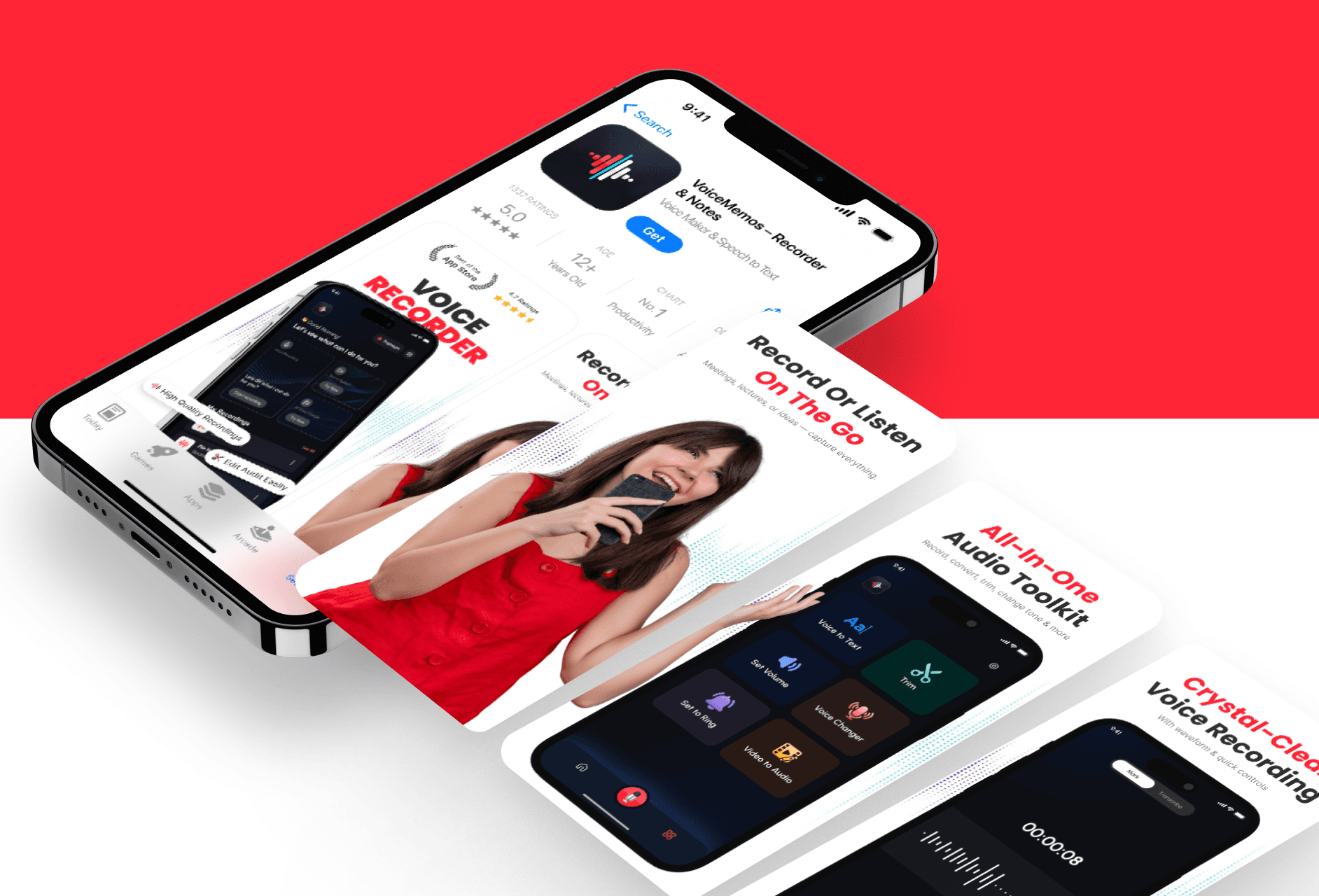
This project involved creating the complete visual identity for the app on the App Store. I designed both the icon and screenshots by focusing on the app’s function and user flow.
This project involved creating the complete visual identity for the app on the App Store. I designed both the icon and screenshots by focusing on the app’s function and user flow.
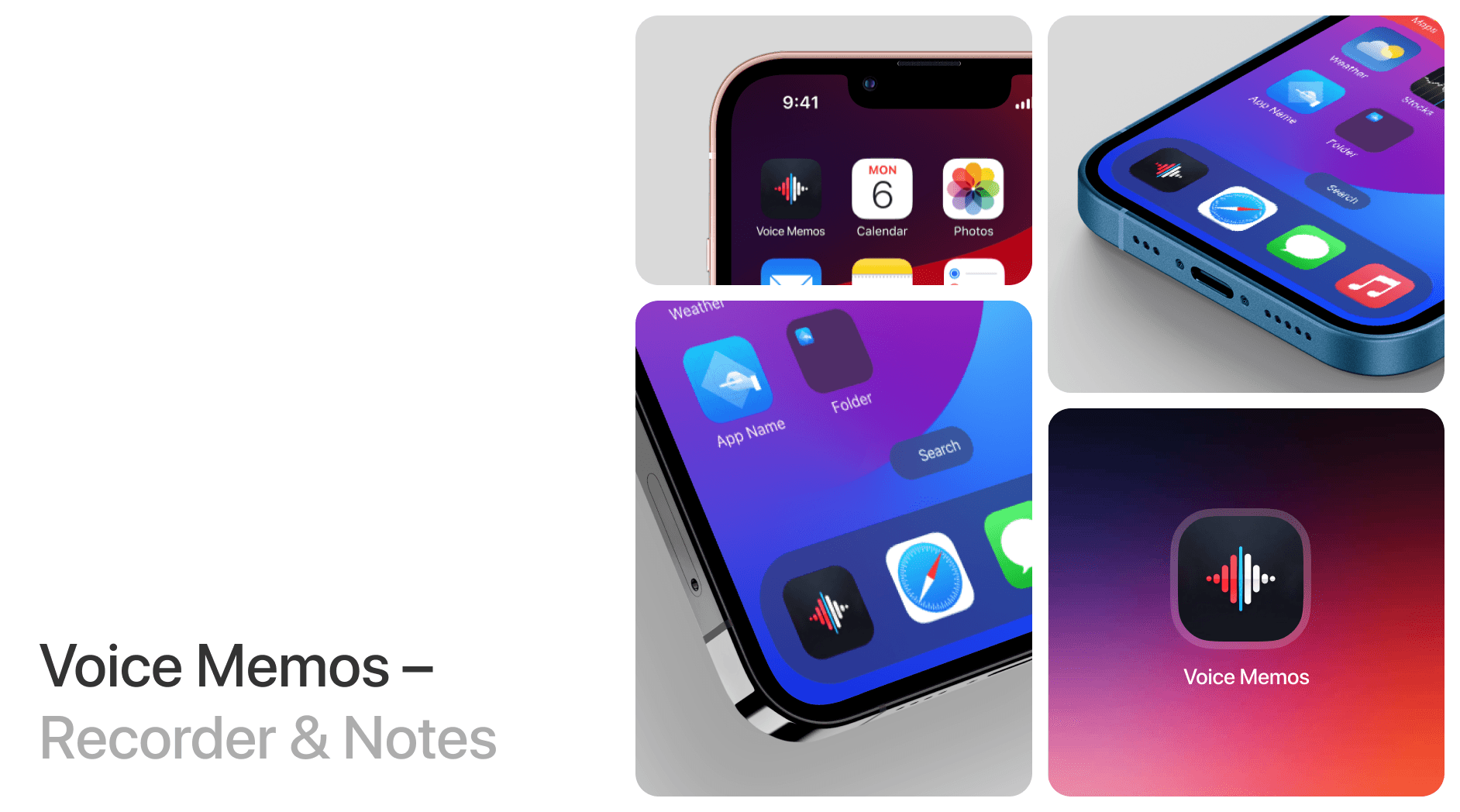
Figuring Out the Key Message
There was no previous visual direction. I explored the app and created visuals that reflect what it actually does.
The app helps users record voice notes and manage audio memos with ease. To begin, I tested the app and studied its interface to get a full understanding of its features. Since there were no sample designs or references, I took the real app experience as the base. The design concept focused on simplicity, showing voice recording, playback, and note management in a way that feels approachable. Colors and layouts were selected to give a calm and modern appearance that supports clarity, especially for first-time users.
Figuring Out the Key Message
There was no previous visual direction. I explored the app and created visuals that reflect what it actually does.
The app helps users record voice notes and manage audio memos with ease. To begin, I tested the app and studied its interface to get a full understanding of its features. Since there were no sample designs or references, I took the real app experience as the base. The design concept focused on simplicity, showing voice recording, playback, and note management in a way that feels approachable. Colors and layouts were selected to give a calm and modern appearance that supports clarity, especially for first-time users.
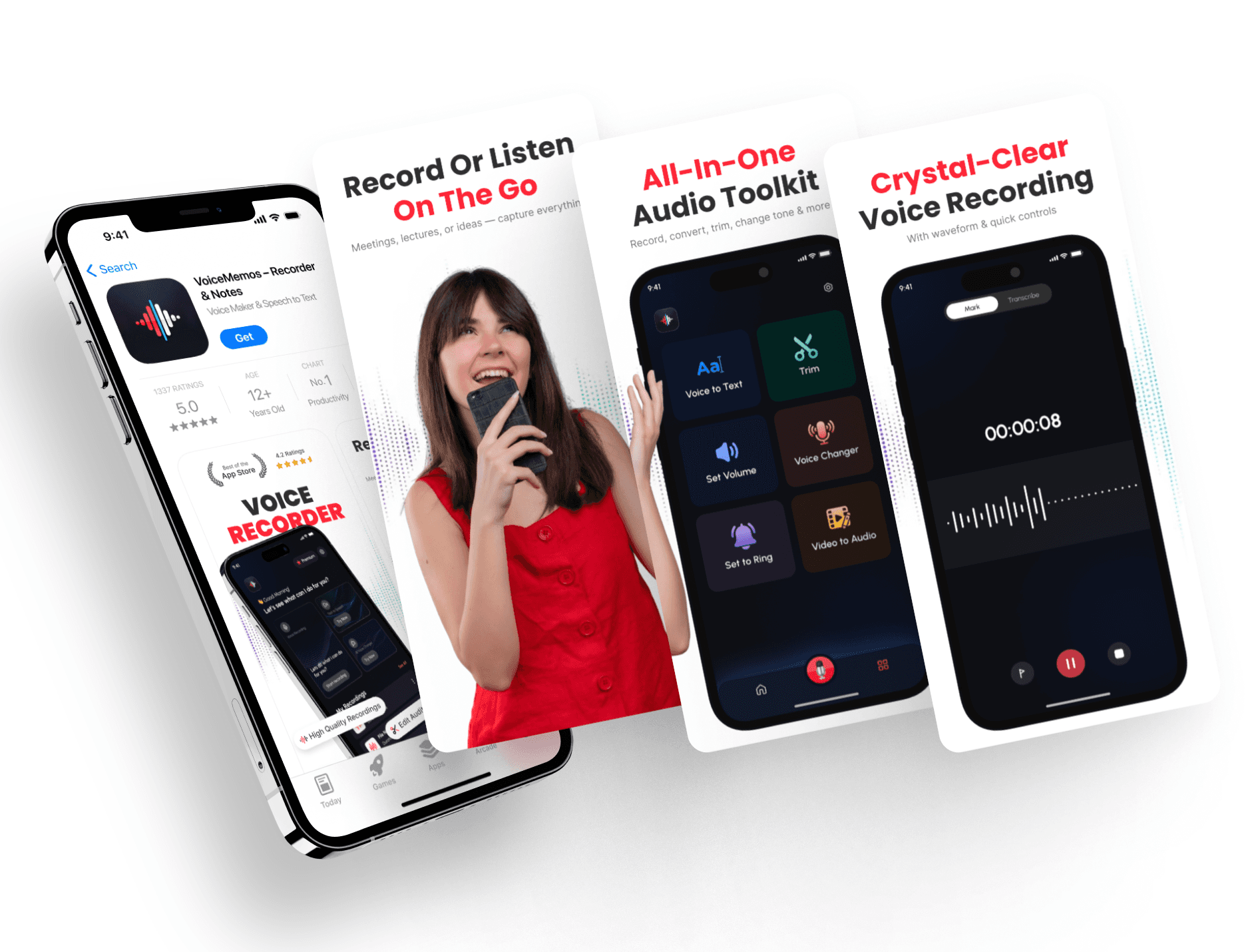
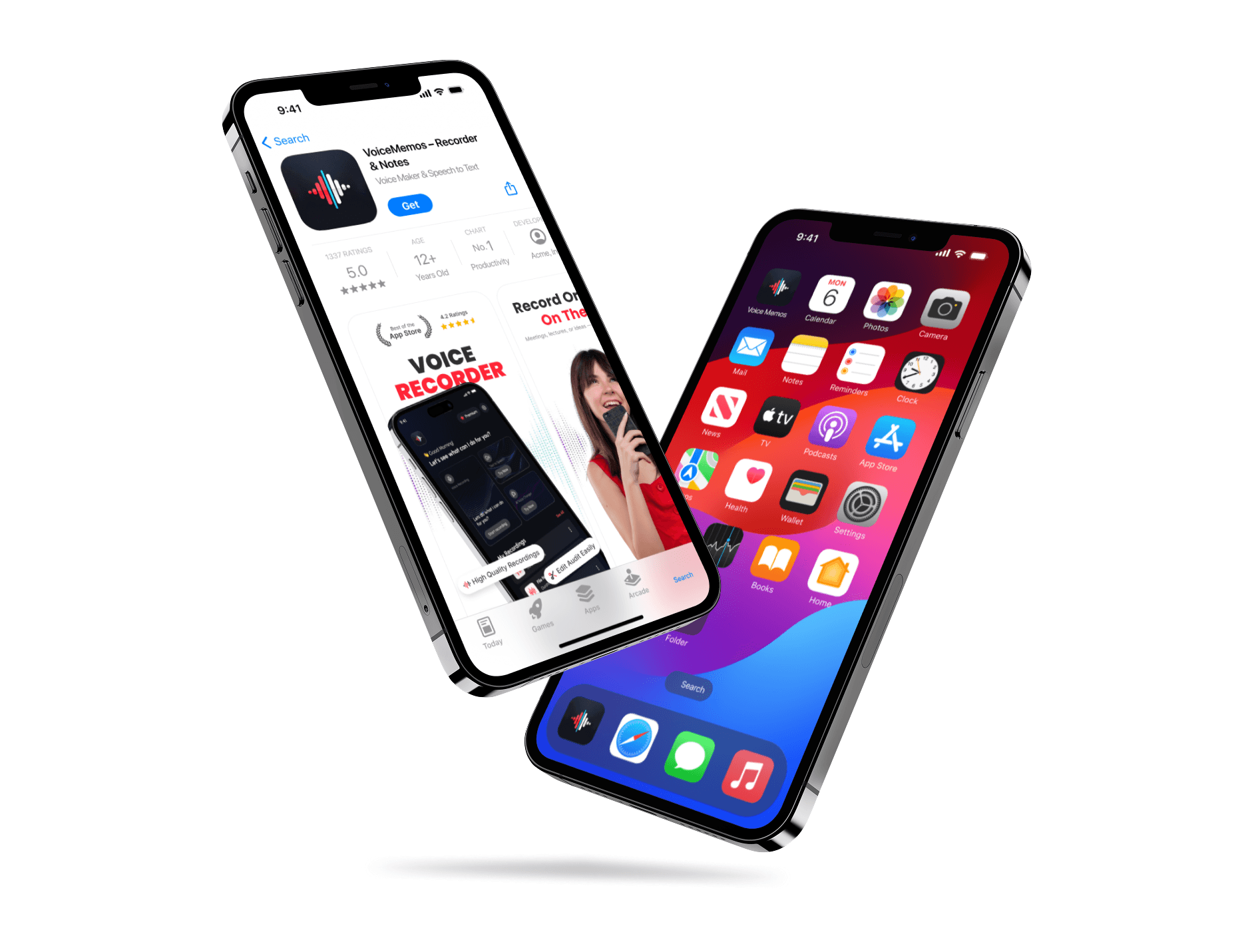
Making the Visuals Feel Honest and Functional
The visuals were built to make the app feel reliable, without adding noise or distractions.
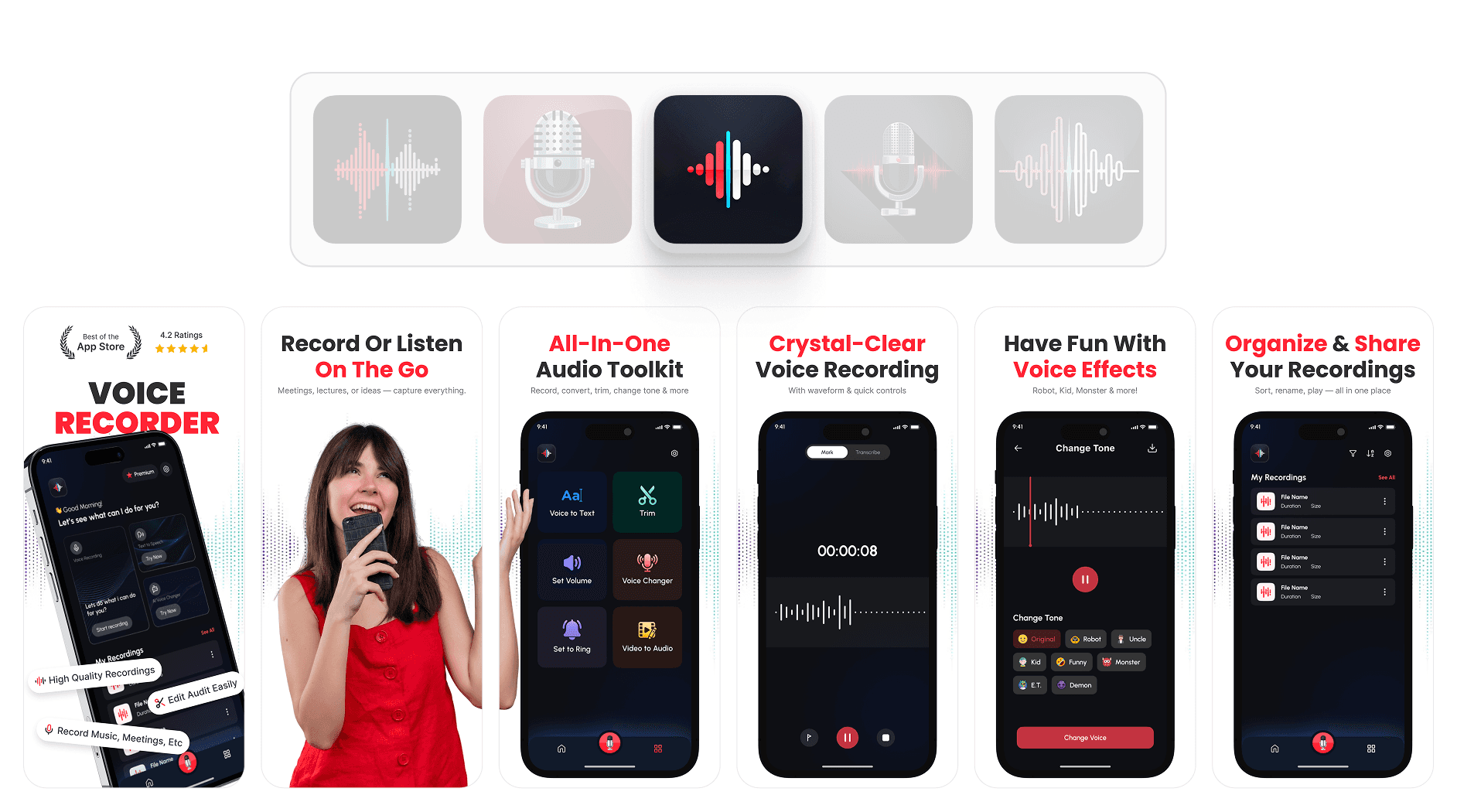
I created the app icon to represent recording clearly, using simple and bold shapes that feel modern. For the screenshots, I laid out each screen to highlight one key feature at a time. Short labels and real app screens help guide the viewer without overloading them with information. The layout was spaced out to feel light and easy to scan. Since there was no earlier version, the entire visual system was made from scratch. The final result helped the app page feel more complete and trustworthy. After finishing the work, the visual clarity helped explain the app faster and left a better first impression. The client was pleased with the outcome.
Making the Visuals Feel Honest and Functional
The visuals were built to make the app feel reliable, without adding noise or distractions.
I created the app icon to represent recording clearly, using simple and bold shapes that feel modern. For the screenshots, I laid out each screen to highlight one key feature at a time. Short labels and real app screens help guide the viewer without overloading them with information. The layout was spaced out to feel light and easy to scan. Since there was no earlier version, the entire visual system was made from scratch. The final result helped the app page feel more complete and trustworthy. After finishing the work, the visual clarity helped explain the app faster and left a better first impression. The client was pleased with the outcome.
Latest projects
Website
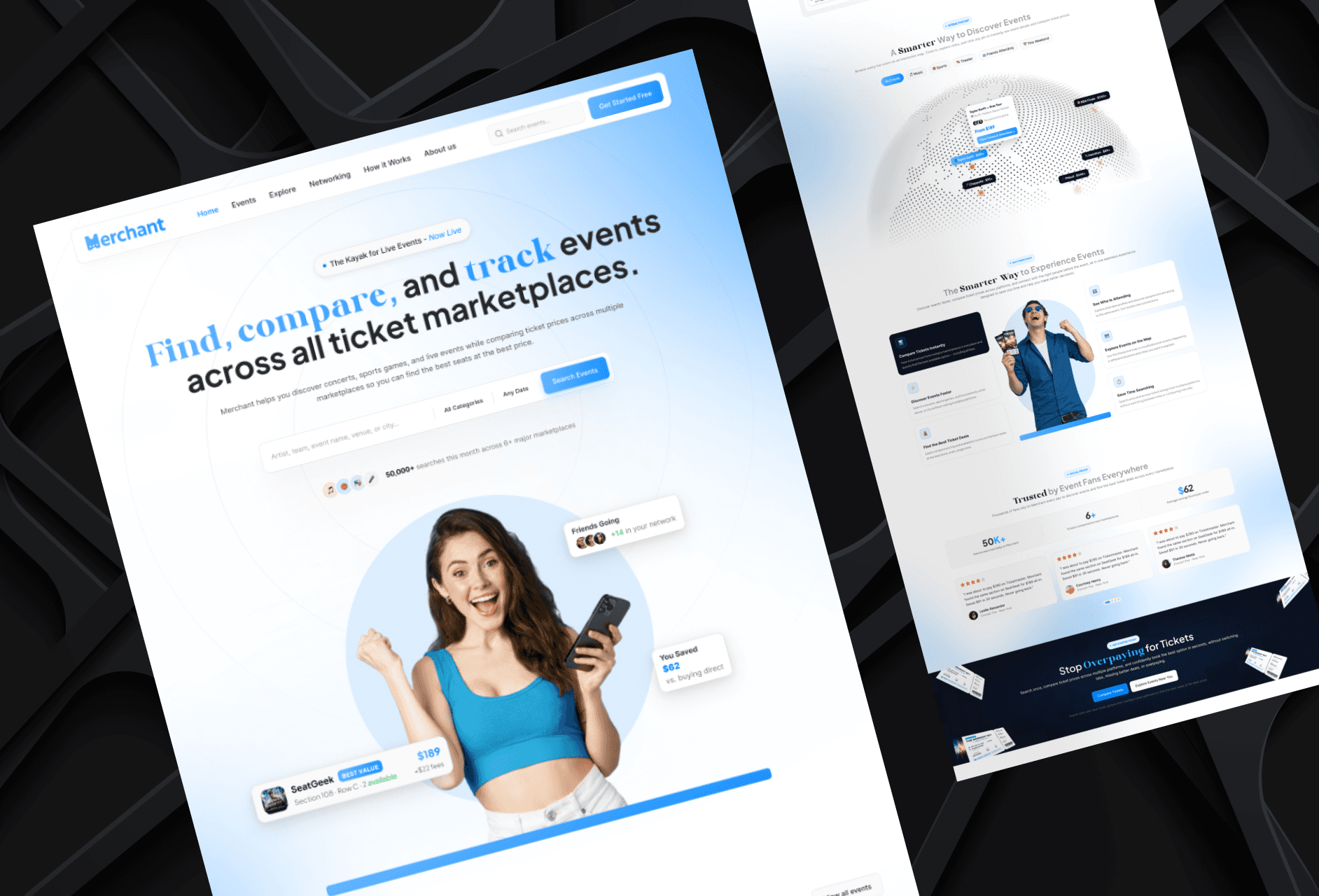
Landing Page Refinement for Ticket Marketplace Platform
Refined an AI-generated landing page to improve visual quality, structure, and user experience.
Website
Landing Page Refinement for Ticket Marketplace Platform
Refined an AI-generated landing page to improve visual quality, structure, and user experience.
Website
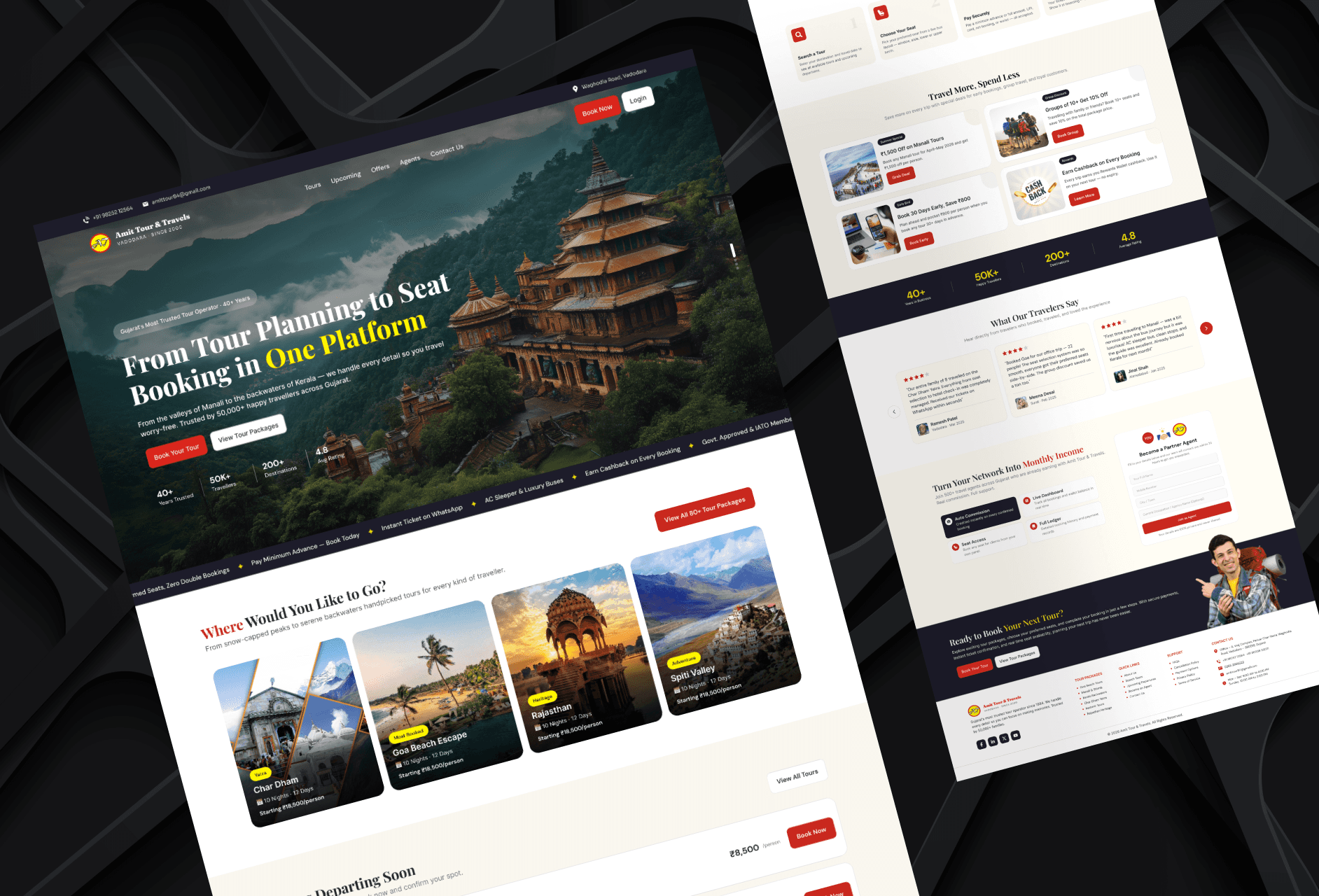
Tour Booking Website Design for Online Growth
Designed a 3-page tour booking website to help a travel business build online presence and simplify bookings.
Website
Tour Booking Website Design for Online Growth
Designed a 3-page tour booking website to help a travel business build online presence and simplify bookings.
Latest projects
Website
Landing Page Refinement for Ticket Marketplace Platform
Refined an AI-generated landing page to improve visual quality, structure, and user experience.
Website
Tour Booking Website Design for Online Growth
Designed a 3-page tour booking website to help a travel business build online presence and simplify bookings.