Thanks Ajay, the new iPrint Scan screenshots gave our App Store page a much stronger and more polished look. Everything feels consistent and easy to understand.

Anil Devani
Founder of Mindspark Solutions
Thanks Ajay, the new iPrint Scan screenshots gave our App Store page a much stronger and more polished look. Everything feels consistent and easy to understand.
Anil Devani
Founder of Mindspark Solutions
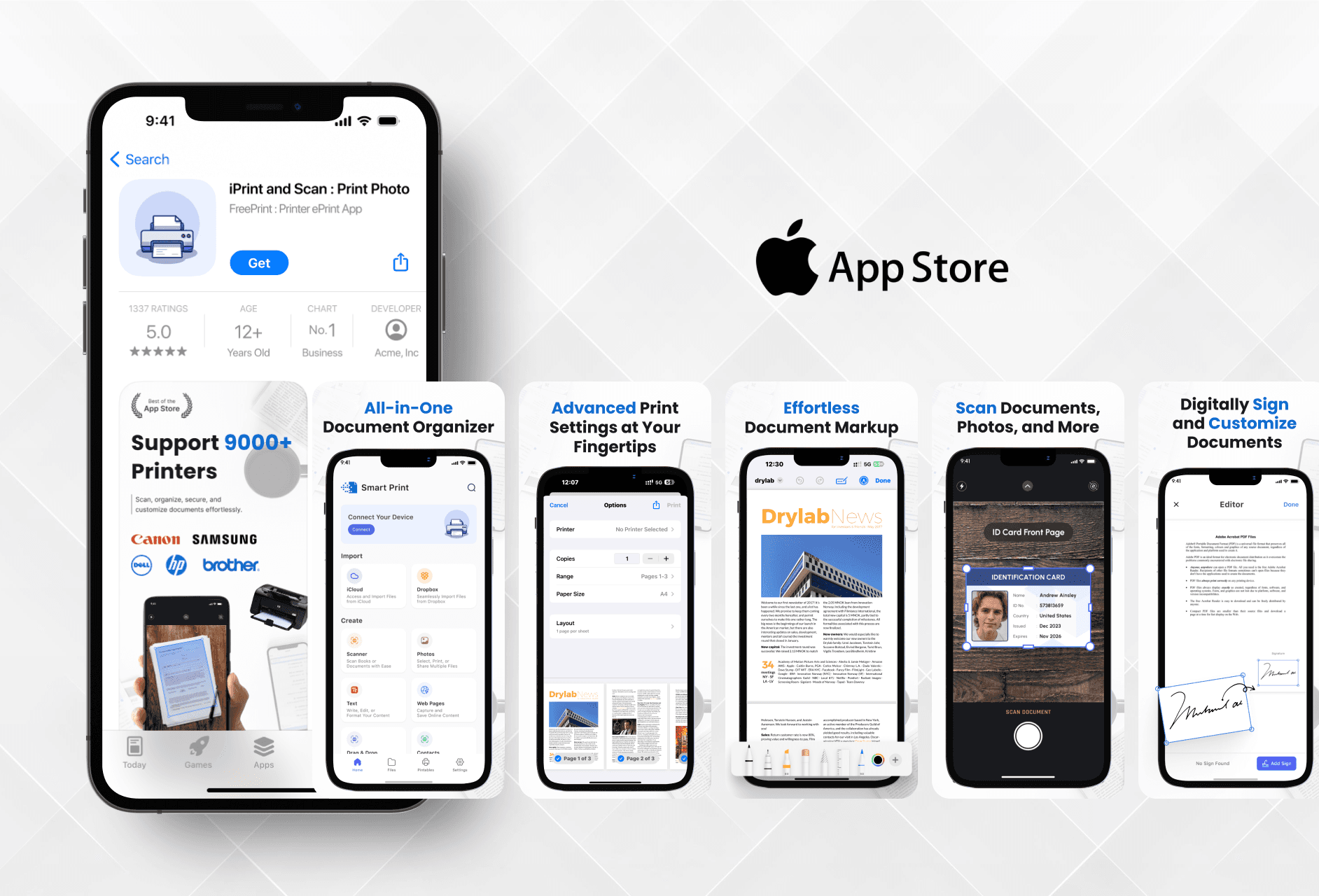
I designed the icon and screenshots for iPrint and Scan with the goal of making the app feel reliable and user-friendly. Everything was created from scratch based on the app’s actual features.
I designed the icon and screenshots for iPrint and Scan with the goal of making the app feel reliable and user-friendly. Everything was created from scratch based on the app’s actual features.
Understanding What the App Offers
There were no past visuals or references. I designed everything by exploring the app and understanding how users would interact with it.
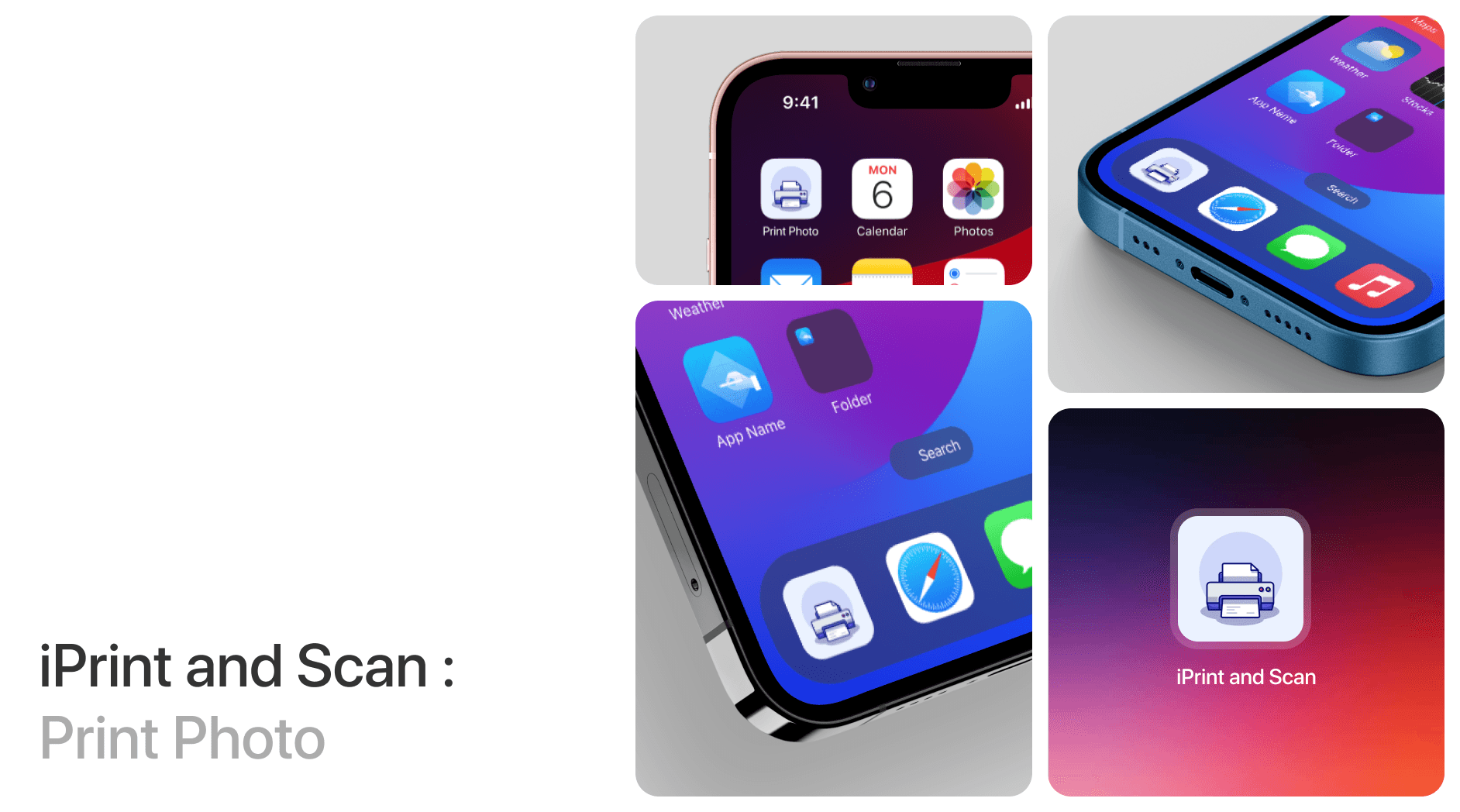
The app allows users to print and scan documents or photos using their mobile devices. Since there were no previous designs or creative direction, I started by going through the app myself to understand the main functions. I identified the key actions like selecting files, scanning, and printing. Based on these, I designed clean and straightforward visuals that show how the app works. The color scheme was chosen to feel professional and calm so the screens don’t feel cluttered or confusing. The aim was to build trust and clarity through the design.
Understanding What the App Offers
There were no past visuals or references. I designed everything by exploring the app and understanding how users would interact with it.
The app allows users to print and scan documents or photos using their mobile devices. Since there were no previous designs or creative direction, I started by going through the app myself to understand the main functions. I identified the key actions like selecting files, scanning, and printing. Based on these, I designed clean and straightforward visuals that show how the app works. The color scheme was chosen to feel professional and calm so the screens don’t feel cluttered or confusing. The aim was to build trust and clarity through the design.
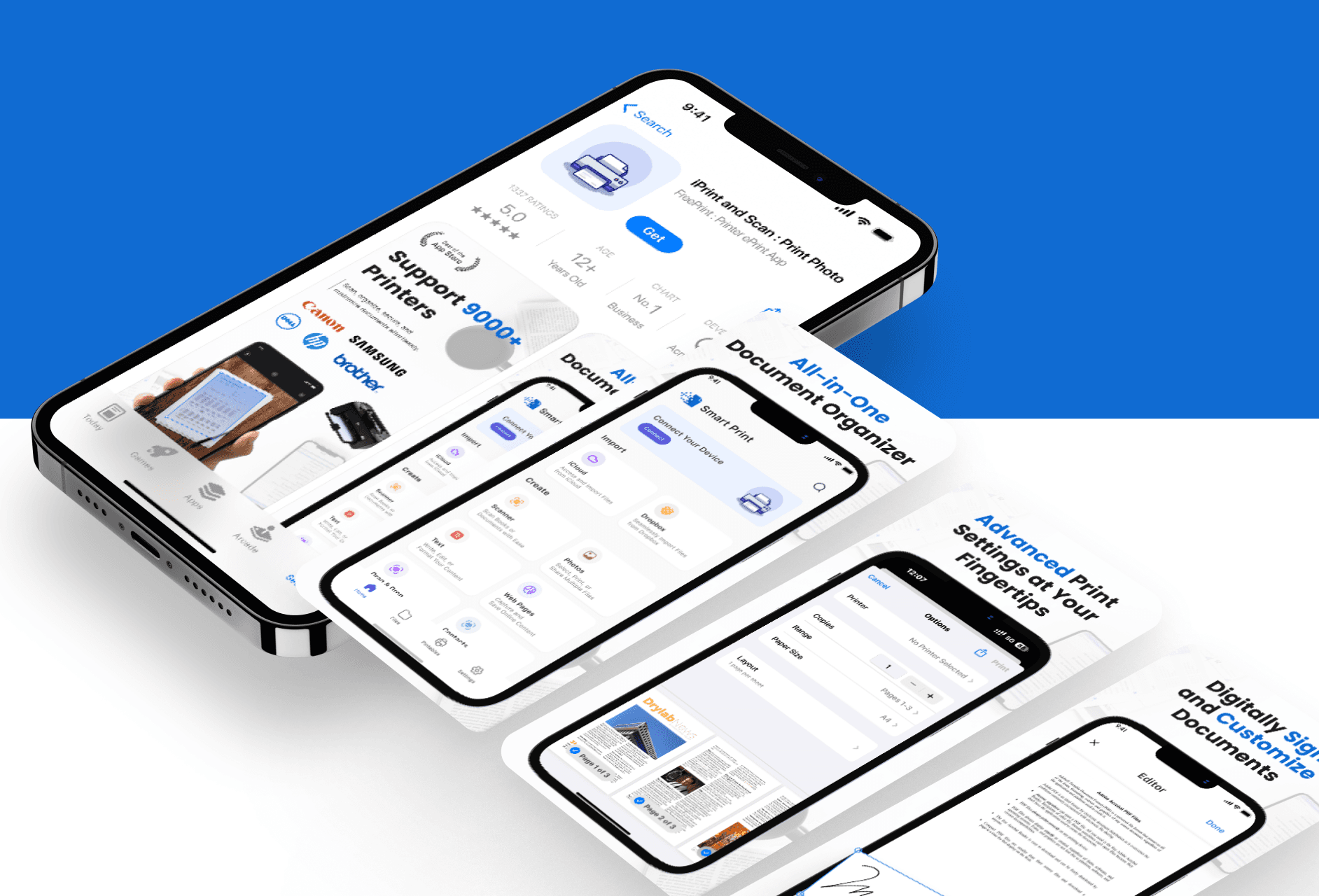
Crafting Icon and Screens That Speak Clearly
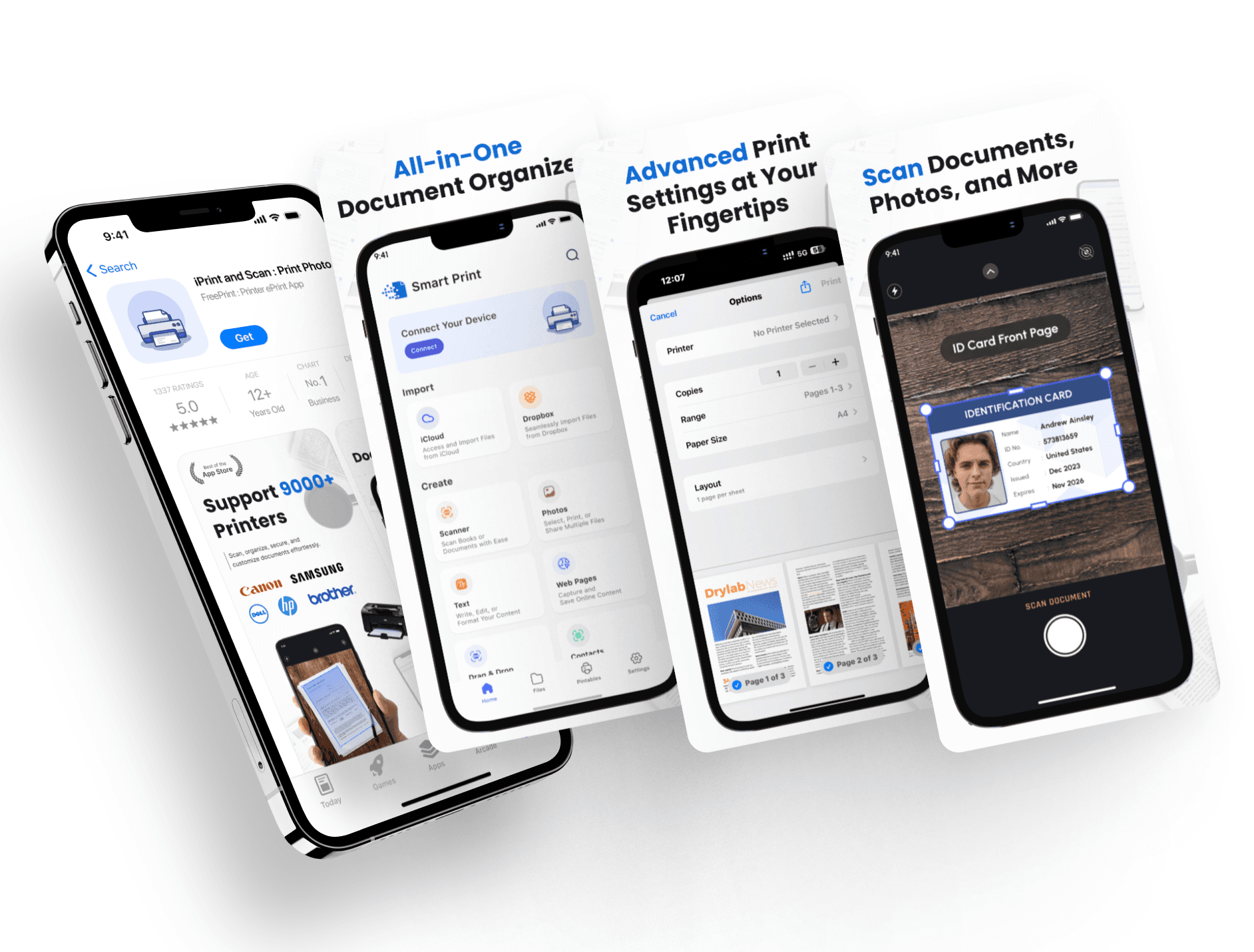
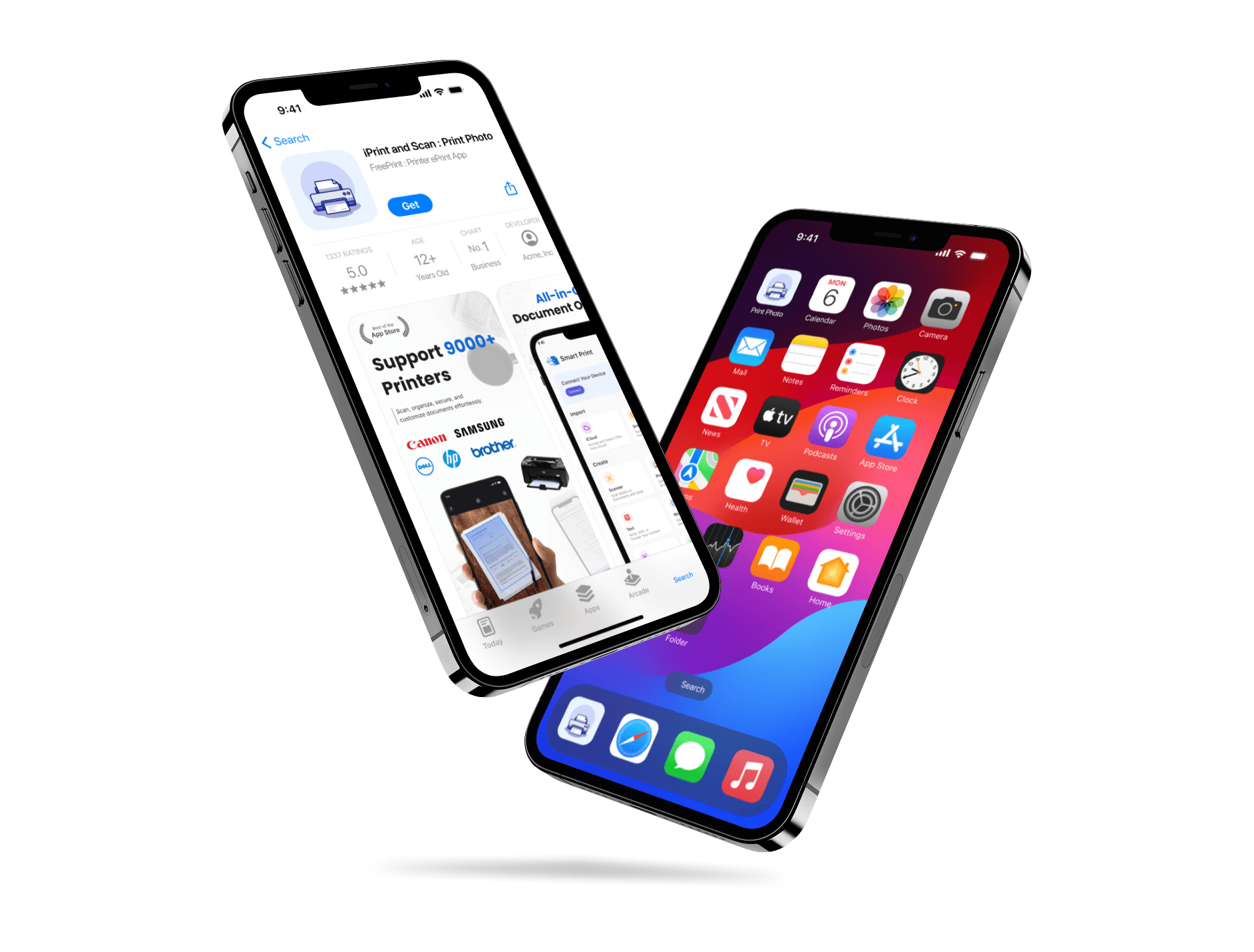
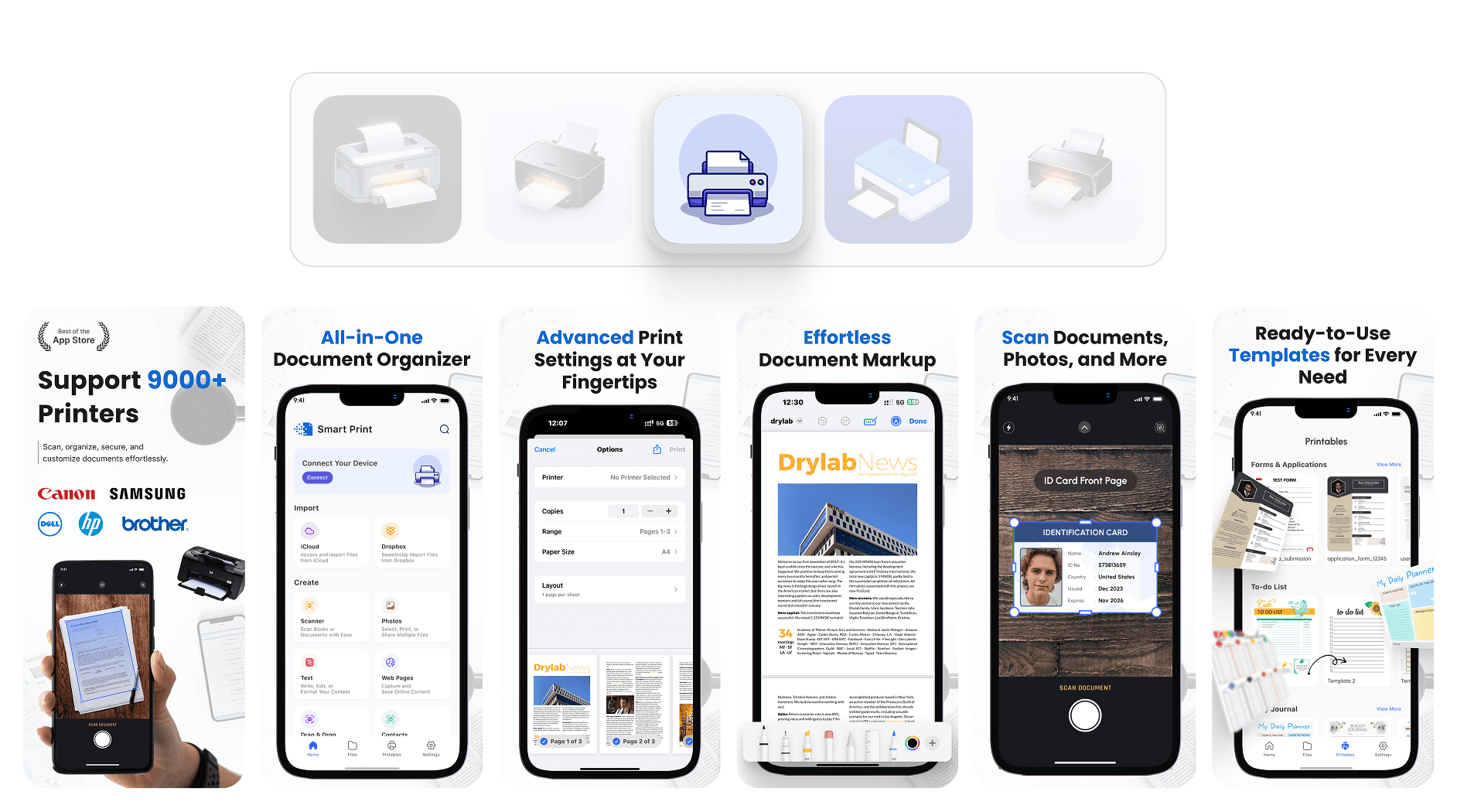
The icon and screenshots were created to highlight real app functions with simple layouts and strong readability.
I kept the app icon minimal and focused on elements that clearly suggest printing and scanning. It needed to look neat and catch the user's attention. For the screenshots, I created visuals that highlight useful features with short text and clear structure. Each screen explains what the app does without adding extra clutter. I followed the same visual style used in the app so everything feels connected. Since the project was handled from scratch, it gave me full control over the design quality. After finishing the UI/UX work, the store page looked much more polished and informative. It helped the app present itself in a clear and professional way. The client liked the final output and appreciated the clean presentation.
Crafting Icon and Screens That Speak Clearly
The icon and screenshots were created to highlight real app functions with simple layouts and strong readability.
I kept the app icon minimal and focused on elements that clearly suggest printing and scanning. It needed to look neat and catch the user's attention. For the screenshots, I created visuals that highlight useful features with short text and clear structure. Each screen explains what the app does without adding extra clutter. I followed the same visual style used in the app so everything feels connected. Since the project was handled from scratch, it gave me full control over the design quality. After finishing the UI/UX work, the store page looked much more polished and informative. It helped the app present itself in a clear and professional way. The client liked the final output and appreciated the clean presentation.
Latest projects
Website
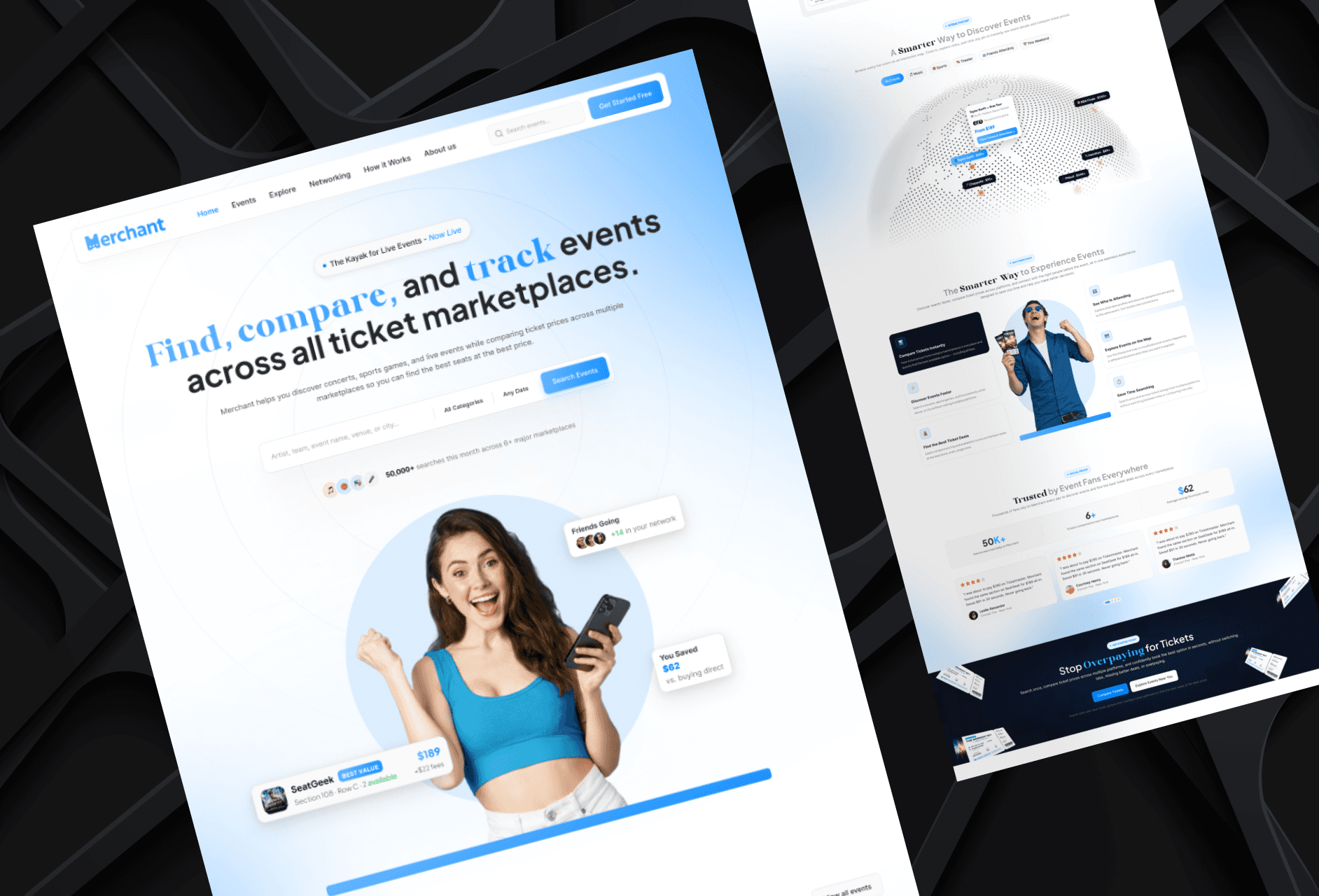
Landing Page Refinement for Ticket Marketplace Platform
Refined an AI-generated landing page to improve visual quality, structure, and user experience.
Website
Landing Page Refinement for Ticket Marketplace Platform
Refined an AI-generated landing page to improve visual quality, structure, and user experience.
Website
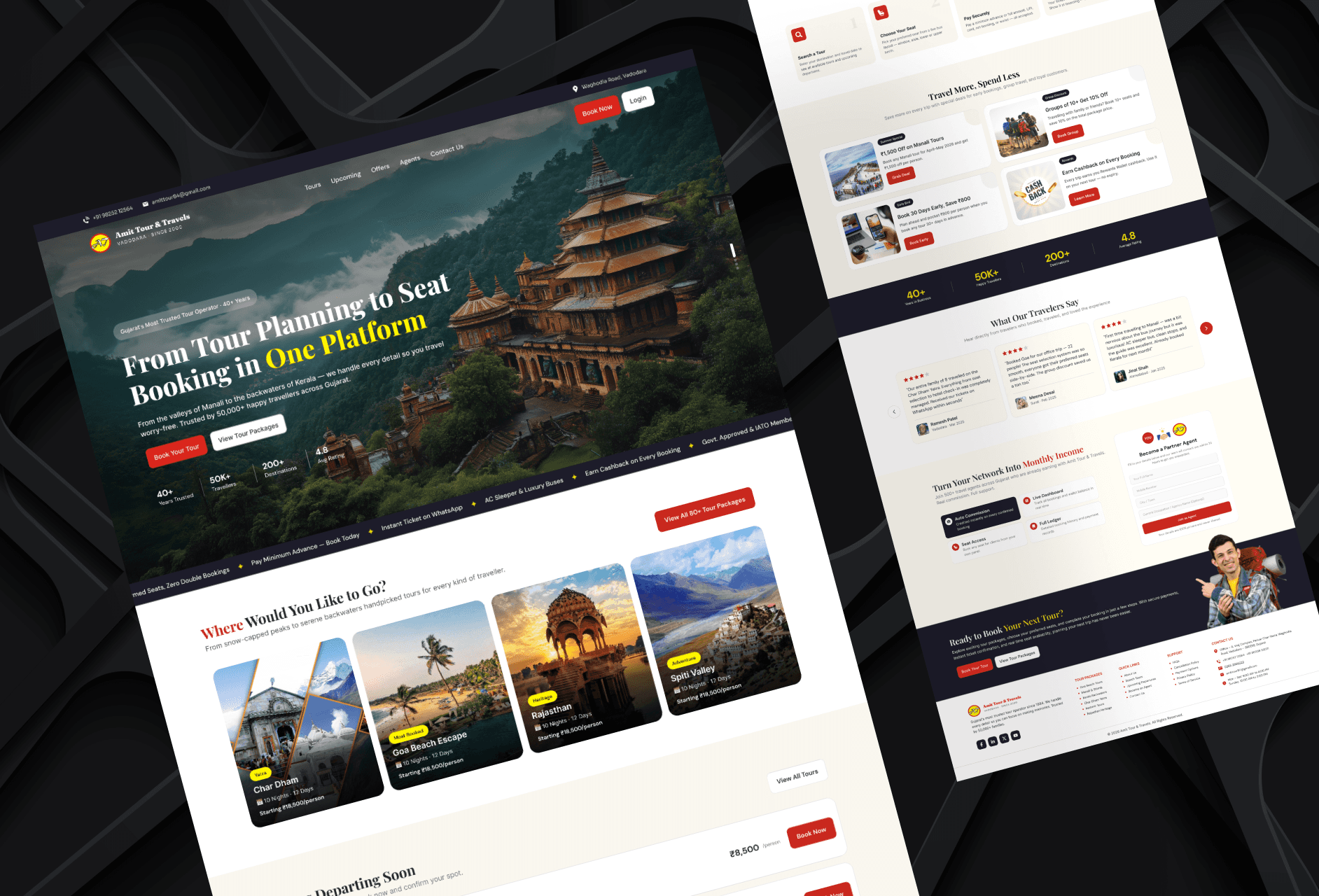
Tour Booking Website Design for Online Growth
Designed a 3-page tour booking website to help a travel business build online presence and simplify bookings.
Website
Tour Booking Website Design for Online Growth
Designed a 3-page tour booking website to help a travel business build online presence and simplify bookings.
Latest projects
Website
Landing Page Refinement for Ticket Marketplace Platform
Refined an AI-generated landing page to improve visual quality, structure, and user experience.
Website
Tour Booking Website Design for Online Growth
Designed a 3-page tour booking website to help a travel business build online presence and simplify bookings.